
Gift a Tutorial or Membership
Give the gift of a tutorial or membership to a loved one! Scroll lower to learn how.
When you are ready to gift a single tutorial, you can purchase the product as a gift at checkout by selecting the "This is a gift" option.
This allows you to designate a recipient by providing the recipient's information and email address. In addition, you have the option to incude a personalized message.
BEC, INSERT IMAGE
After you purchase the tutorial:
If you are gifting a tutorial that you are already enrolled in:
If you are not yet signed into your account, select the tutorial you wish to gift. At checkout, you will be asked to enter your email address and password. Then, you can select the "buy as a gift" option and complete the purchase.
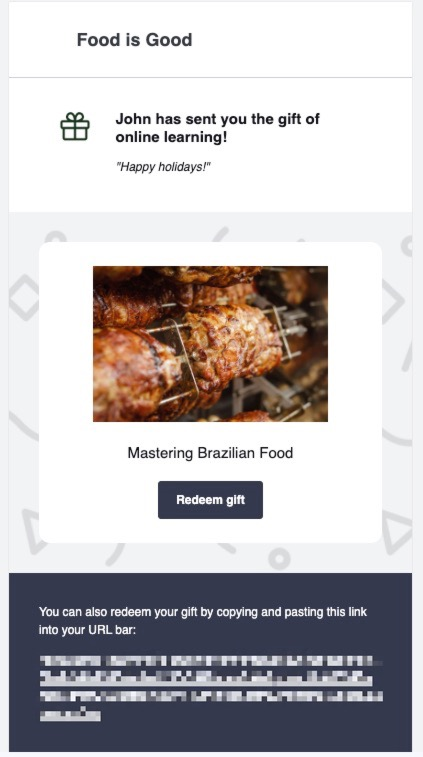
Your recipient will receive the gift via a "gift invitation email." They will need to access their email and click on the button to create an account in our watercolor school to redeem the gif.
Upon redeeming the gift, they will receive access to the tutorial. They will also receive an order receipt email notification to confirm that the gift has been claimed.
After you purchase the Membership
If you are gifting a tutorial that you are already enrolled in:
If you are not yet signed into your account, select the tutorial you wish to gift. At checkout, you will be asked to enter your email address and password. Then, you can select the "buy as a gift" option and complete the purchase.
Your recipient will receive the gift via a "gift invitation email." They will need to access their email and click on the button to create an account in our watercolor school to redeem the gif.
Upon redeeming the gift, they will receive access to the tutorial. They will also receive an order receipt email notification to confirm that the gift has been claimed.